A WordPress to Webflow migration keeps your rankings when every old URL either stays the same or gets a 301 redirect to its closest new equivalent, and when titles, descriptions, headings and internal links carry over. Most traffic is lost through missed redirects and changed metadata, not through the platform change itself. The work is mostly an inventory, so start there.
Will migrating from WordPress to Webflow hurt my SEO?
It can, but it does not have to. Google ranks pages, not platforms. A page that keeps its URL, its content and its links is the same page to Google, whether WordPress or Webflow serves it.
Rankings drop after a migration for ordinary reasons. URLs change and nobody redirects the old ones. Titles get rewritten by a designer who has not seen the search data. A noindex tag from the staging site goes live. A form stops firing and nobody notices for a month. Each of these is preventable, and each is on the checklist below.
A temporary wobble in rankings in the first period after launch is normal when a site is re-crawled, but a migration done carefully should settle back to where it was. If you are also redesigning the site, treat the two as separate risks. Our website relaunch checklist covers what to keep, fix and cut in that case.
What should you do before touching Webflow?
Build the inventory first. You cannot protect what you have not listed.
Crawl the WordPress site and export every URL with its status code, title, meta description, H1, canonical and indexability. Pull the same list from your XML sitemap and compare, because crawls and sitemaps both miss pages. Then add search data: which URLs get clicks and impressions in Search Console, and which have backlinks. Export from your own tools, as these exports are the evidence you will use to decide what to keep.
Sort the list into four groups:
- Keep as is: same content, same URL.
- Keep and improve: same URL, better page.
- Merge: several weak pages become one stronger page, with redirects from the old ones.
- Retire: pages with no traffic, links or purpose, redirected to the closest relevant page or removed.
Be careful with the retire group. A page with no traffic can still hold backlinks. Check before you cut it.
How do you map URLs and set up 301 redirects?
WordPress URLs and Webflow URLs follow different rules, so some will change. WordPress often serves posts from a date-based or category-based path and has archive pages for tags, categories, authors and dates. In Webflow, a CMS item lives under its collection's path, for example /blog/post-name, and static pages sit at the root or a fixed folder.
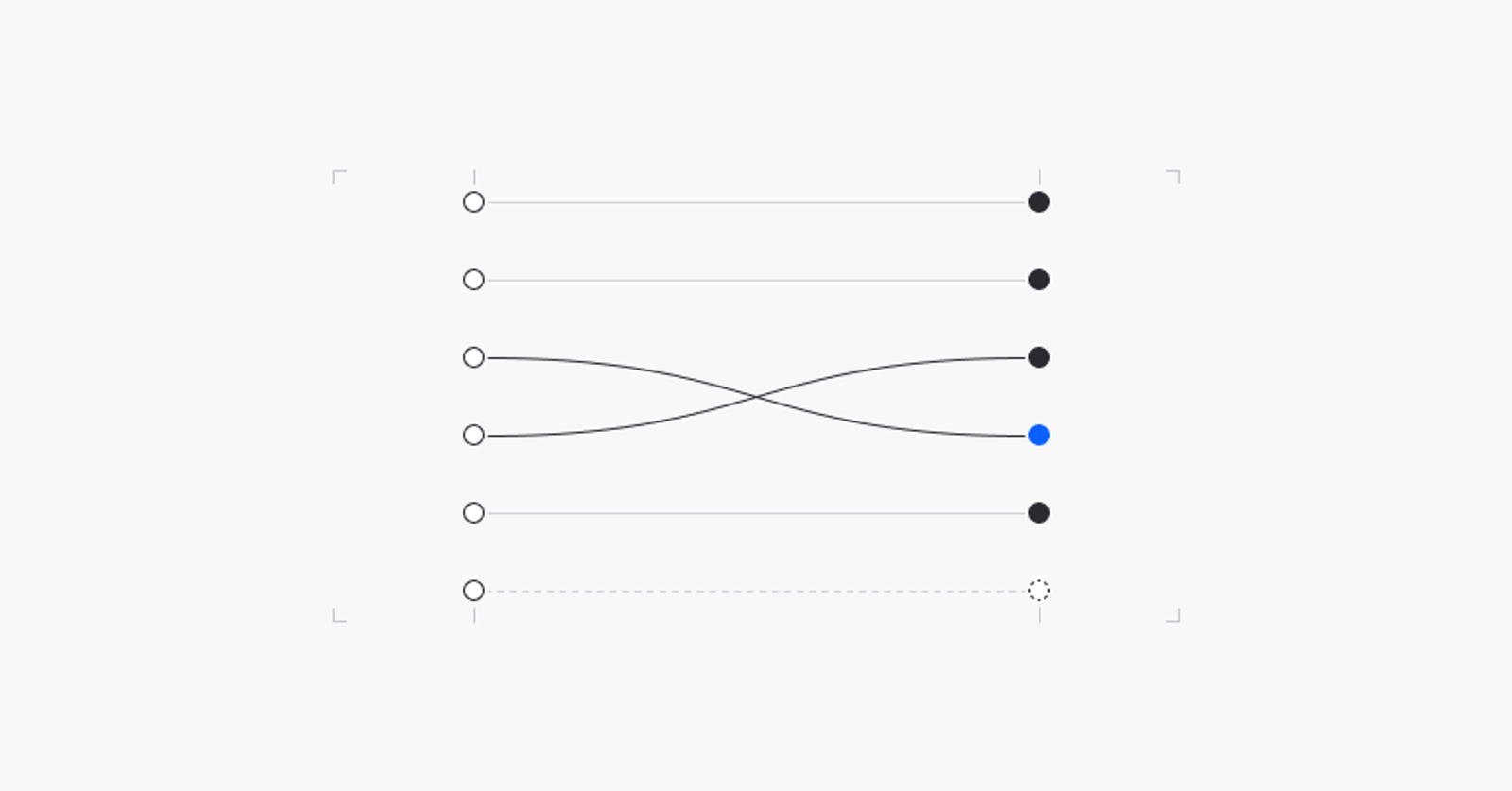
The cleanest approach is to keep the URL whenever Webflow allows it. Where it does not, write a mapping table with one row per old URL and its new destination, and load the 301 redirects into Webflow's redirect settings before launch. Some points we check every time:
- Redirect to the closest equivalent page, not the homepage. Google treats mass redirects to the homepage as soft errors.
- Avoid chains. If A goes to B and B goes to C, point A straight at C.
- Cover the oddities: trailing slash variants, /feed/ URLs, attachment pages, paginated archives and any URLs with query strings that were indexed. Check how your redirect setup treats query strings.
- Keep the redirects live long after launch. Google's guidance for site moves is a year at a minimum.
If the domain stays the same, you do not need the Change of Address tool in Search Console. That tool is for domain changes.
What carries over, and what do you rebuild?
WordPress puts a lot of SEO work in plugins. Webflow handles some of it natively, and some you rebuild.
Webflow has native fields for page titles and meta descriptions, Open Graph data, canonical settings, an automatic XML sitemap, a 301 redirect manager and alt text on images. For CMS collections you bind those fields to template data, so every blog post gets its own title and description.
Anything an SEO plugin did beyond that needs a decision. Structured data such as Article or FAQ markup becomes custom code in the page or template head. Breadcrumbs become a component. Redirect rules from a plugin move into the mapping table. Forms, tracking and consent tools need to be reconnected and tested, not assumed. Our Webflow SEO checklist for B2B websites lists the on-page items to confirm.
Content moves too. Posts, authors and categories become CMS collections. WordPress content usually contains inline styles, shortcodes and page builder markup that should not be pasted into a clean rich text field, so budget time to clean it. This is also the moment to look at your image alt text and your internal links, because both tend to be in poor shape after years of publishing.
How do you launch without losing traffic?
Build and test on the Webflow staging domain with search engines blocked. Before the DNS change, run a launch checklist against the staging site:
- The redirect table is loaded and tested, with a sample of old URLs checked by hand.
- Every indexable page has a unique title, a meta description, one H1 and a canonical tag.
- The staging noindex setting is off for the live domain, and robots.txt does not block the site.
- The XML sitemap lists only the pages you want indexed.
- Forms submit, and the notification arrives where it should.
- Analytics and consent tools fire correctly.
- Structured data validates.
After the DNS switch, crawl the live site again and compare it against your inventory. Submit the new sitemap in Search Console. Check that the old URLs return 301, and that nothing important returns 404.
What should you watch after launch?
For the first stretch, check Search Console's indexing and crawl reports regularly. A new 404 report for a URL that used to rank is a missing redirect, and you can fix it the same day. Compare clicks and impressions for your top pages against the numbers you exported before the move. Watch conversions as well, since a form that breaks quietly costs leads even when traffic looks fine.
Expect some movement. If a few pages slip and recover, that is normal. If a group of pages falls and stays down, go back to the inventory and look for what changed for those pages: URL, title, content or links.
Where does this go wrong most often?
From the audits and migrations we have done, the failures are rarely exotic. They come from skipped inventory work, redirect tables that stop at the pages someone remembered, and staging settings that survive into production. If you want an outside review before you commit, our free website audit looks at your current SEO, performance and structure, and the Webflow migration service covers the full move from WordPress, Framer, Wix or Squarespace.
For a deeper comparison of the two platforms before you decide, read Webflow vs WordPress in 2026.
FAQ
How long does a WordPress to Webflow migration take?
It depends on the number of templates, the amount of content, the CMS structure and how much of the site is being redesigned at the same time. A simple brochure site and a site with years of blog content are very different projects. We scope the migration after the URL inventory, not before.
Do I need 301 redirects when moving from WordPress to Webflow?
Yes, for every URL that changes. A 301 tells search engines and browsers that the page has moved permanently and passes the old page's signals to the new one. URLs that stay identical do not need one.
Can I migrate from Framer to Webflow without losing rankings?
Yes, with the same method. Inventory the Framer URLs, keep them where possible, redirect the rest, and carry over titles, descriptions and structured data. Framer sites often have simple URL structures, but check any locale paths and CMS collection paths before you assume nothing changes.
Will my WordPress plugins work in Webflow?
No. Webflow has no WordPress plugins. Some functions are built in, such as the sitemap, redirects and meta fields. Others, like structured data or specific integrations, are rebuilt with custom code or a third-party tool. List what each plugin does before you migrate so nothing disappears unnoticed.
Should I redesign the site at the same time as the migration?
You can, but it raises the risk because more things change at once. If rankings matter, migrate with the URL structure and content stable first, then redesign in a second step. If you do both together, keep the inventory and redirect work just as strict.